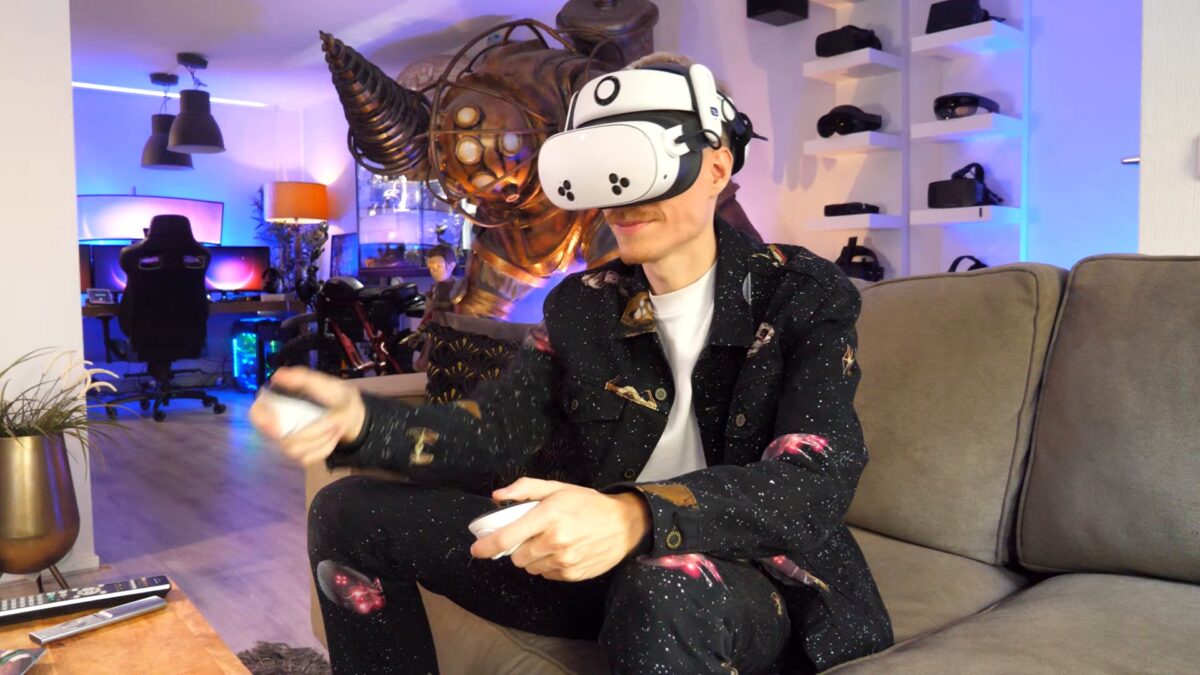
About 1.5 million people were watching Grand Theft Auto VI on Twitch on the morning of Nov. 20, 2026. A headset lets you join them on a screen that fills your view. The easiest way to watch Twitch in virtual reality (VR) is the free official Twitch app for Meta Quest, and watching Twitch in VR costs nothing extra unless you want to skip ads or support a streamer.
You log in with your existing Twitch account, Meta says, so the creators you follow are waiting. One note for Grand Theft Auto VI fans: it is not a VR game, so you watch regular streams on a giant floating screen rather than stepping inside Vice City.
Which headsets can watch Twitch in VR
Meta Quest owners have the smoothest path. Twitch’s official app arrived on the Meta Horizon Store on Sept. 25, 2024, and runs on Quest 2, Quest 3, Quest 3S and Quest Pro, according to VRDB, which tracks the store.
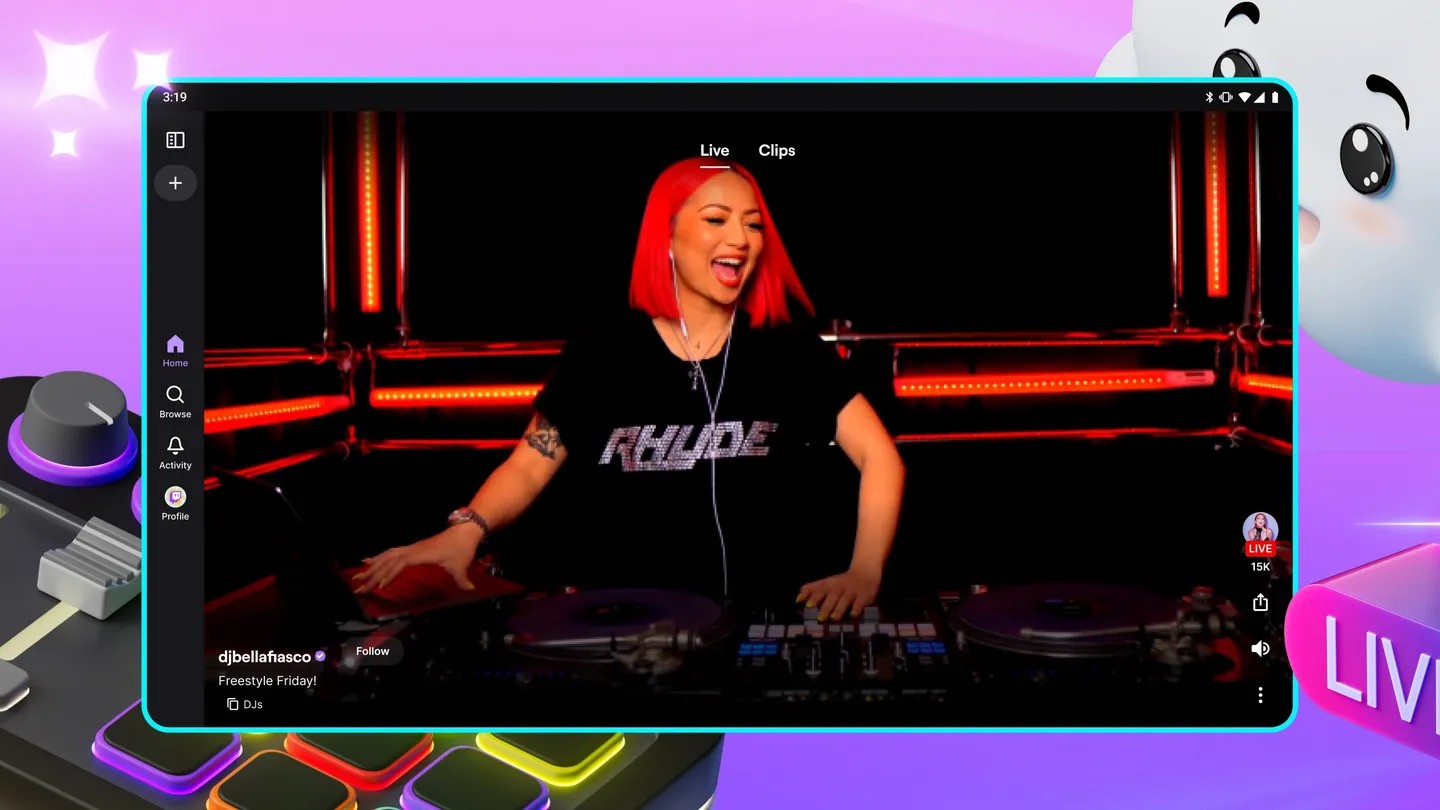
Samsung Galaxy XR owners can use Twitch’s regular Android app. Google says Android XR headsets download apps straight from Google Play, and VRDB’s Android XR tracker lists the Twitch app.
Apple Vision Pro has no official Twitch app. Twitch’s downloads page lists apps for Android, iOS, Meta Quest and TVs, but not Vision Pro. You can watch in Safari or try Sila for Twitch, an independent app that costs $2.99 on the App Store and adds live chat with Twitch emotes.
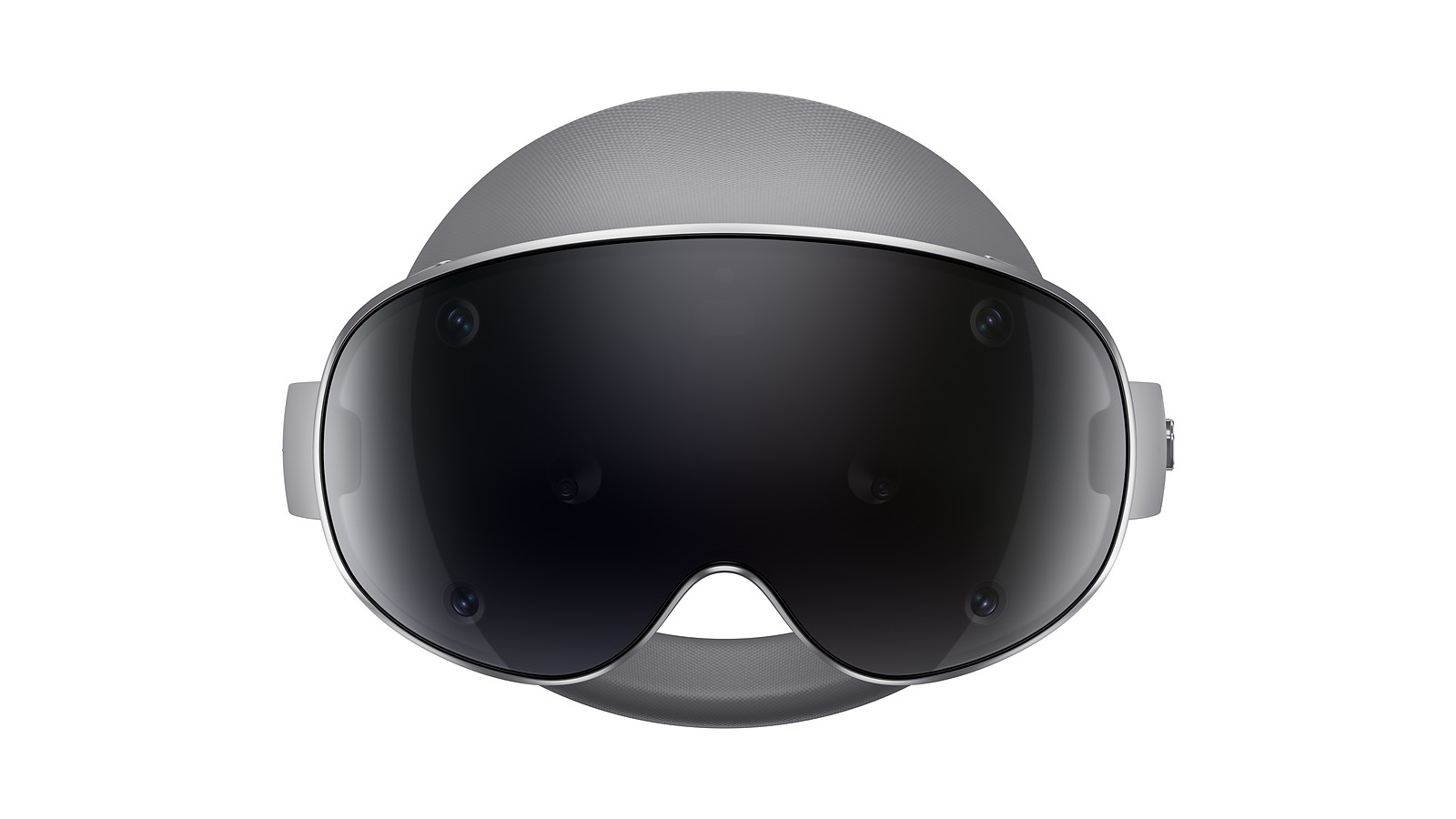
Windows computer owners have another route in Bigscreen. The free app runs on Meta Quest and computer-powered headsets such as the Valve Index, and it can stream your Windows desktop, browser and all, into the headset.
How many people watch Twitch
Twitch’s press page says more than 2.5 million people are tuning in at any given time, on average. Its Android app holds 4.3 stars from nearly 5.8 million Google Play reviews.
The Quest app has a smaller following, with 2.7 stars from 194 ratings on the Meta Horizon Store. Twitch keeps working on it, though. VRDB logged a new version every week from mid-September to early November 2026.
How chat works in a headset
Chat comes along for the ride. Twitch’s Quest listing signs off with “We’ll see you in chat.” VRDB lists support for controllers, hand tracking, a gamepad and a tracked keyboard.
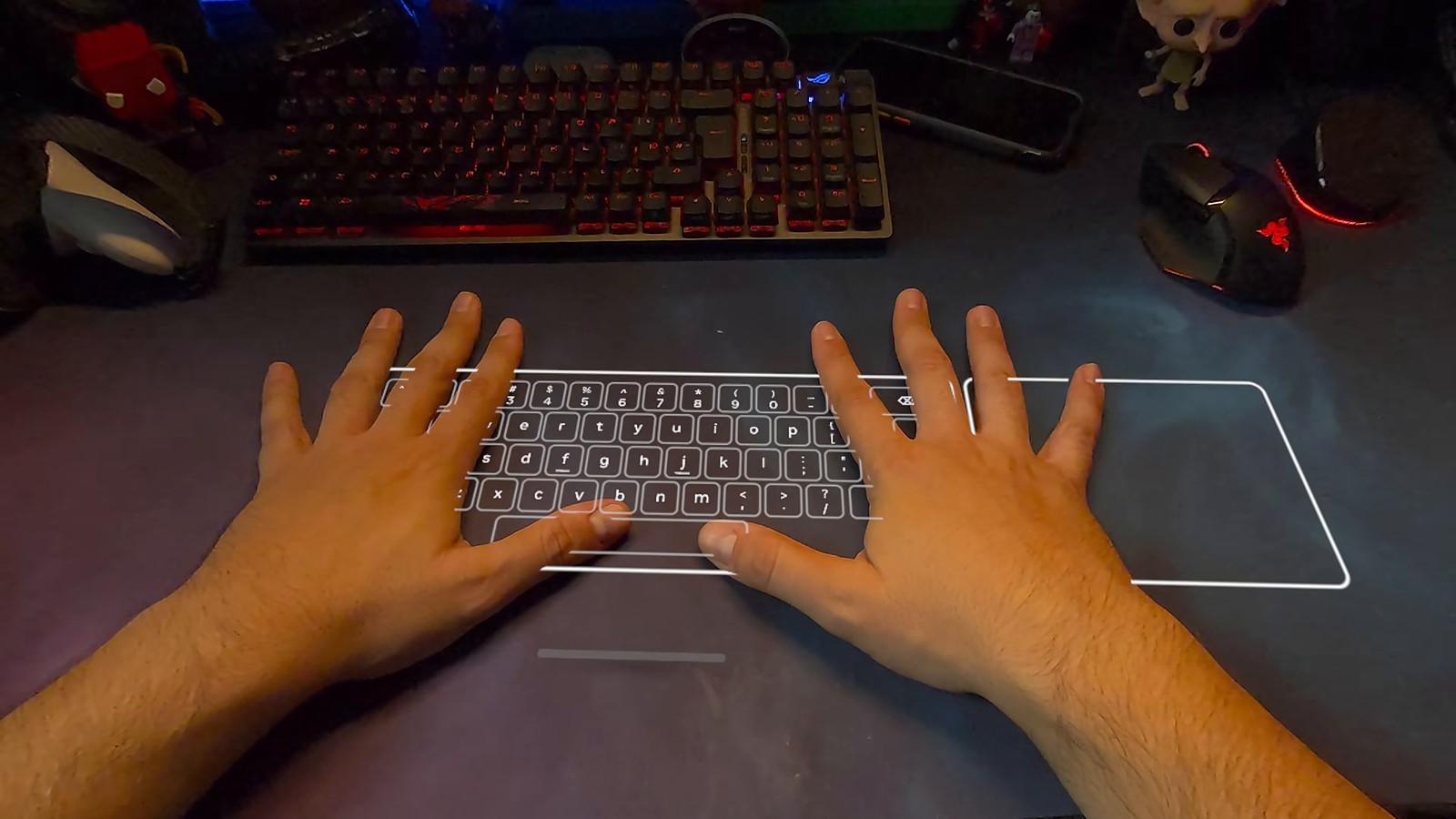
Typing is the tricky part. On a Quest, the experimental surface keyboard turns any desk into a keyboard and trackpad. VR ManCave, a YouTube channel about VR, calls it “genuinely one of the most futuristic features that Meta has added.”
Paid extras show up in chat, too. Subscribers get a channel’s custom emotes and badges. Bits power Cheers, animated chat messages that you can pin so they stay visible.
What Twitch costs in a headset
The app is free, and so is watching. Expect ads, though, since VRDB notes the Quest app carries them. These are Twitch’s own United States web prices:
- Turbo: $11.99 a month, with a seven-day free trial. It removes most video and banner ads across Twitch.
- Channel subscription: $5.99 a month for Tier 1. Amazon Prime members get one channel subscription at no extra cost.
- Bits: 100 for $1.40, with discounts on bigger packs.
Twitch notes that prices in its mobile apps can differ from these web prices, so check the total before you buy inside a headset app.
Tips for a better view
Make the screen huge. Twitch also runs in the Quest Browser, which can enlarge, curve and dim the picture, as the German VR site Mixed found in its hands-on test. Nathie, a YouTube creator who covers VR, tells viewers to “grab the sides of the window to make it as big as you want.”
Then fine-tune your setup:
- Pin Twitch like an app. VR ManCave adds a site to the Quest library from the browser’s three dot menu, so it launches on its own.
- Watch while you play. Seamless multitasking, under experimental settings, keeps 2D windows open inside games.
- Lie back. Nathie moves the screen above him so he can watch from the couch or bed.
- Watch together. Bigscreen rooms hold up to 30 people.
- Mind the battery. Nathie says his Quest lasts about two and a half hours.
Want a movie after the stream? Our guide to Disney+ 3D movies on Meta Quest turns the same headset into a private theater.
Watch: Twitch and big screens on Meta Quest
Bigscreen shows its cloud browser for watching the web together on Meta Quest 3S.

VR ManCave demonstrates the surface keyboard, website shortcuts and seamless multitasking.

Nathie walks through building a giant, dimmed screen in the Quest Browser.