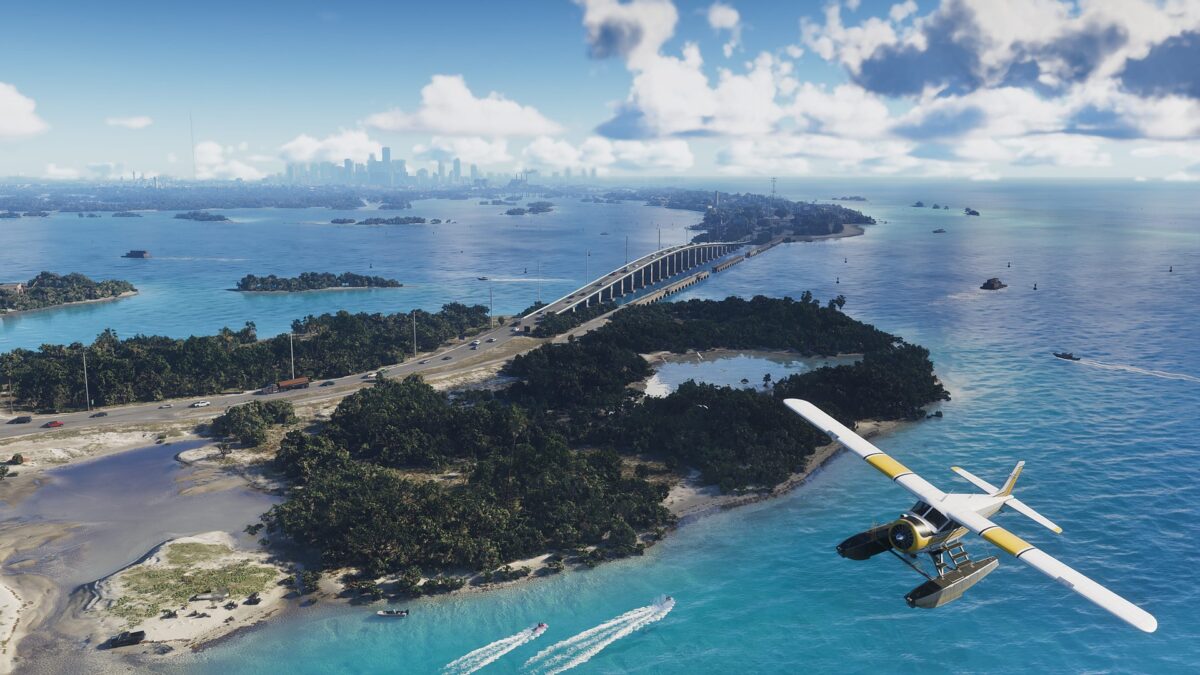
Every console runs Grand Theft Auto VI (GTA VI) at the same 30 frames per second. So the gap between a good picture and a breathtaking one comes down to your console, your TV and a few minutes in the settings menus.
GTA VI is Rockstar Games’ open-world crime adventure for PlayStation 5 (PS5) and Xbox Series X and S. It follows 2013’s Grand Theft Auto V, trading Los Santos for Leonida, a sun-soaked state modeled on Florida, and introduces two leads, Jason Duval and Lucia Caminos. It is rated M for Mature.
Why GTA VI runs at 30 frames per second
Here’s the thing: the frame rate is a choice, not a flaw. Rockstar says it aimed for 30 frames per second “to bring the vast and rich world of Leonida to life” without cutting density or detail.
Digital Foundry, the video game technology analysts, explains the math. At 30 frames per second, the console gets 33.3 milliseconds to simulate each frame. At 60, it would get half that.
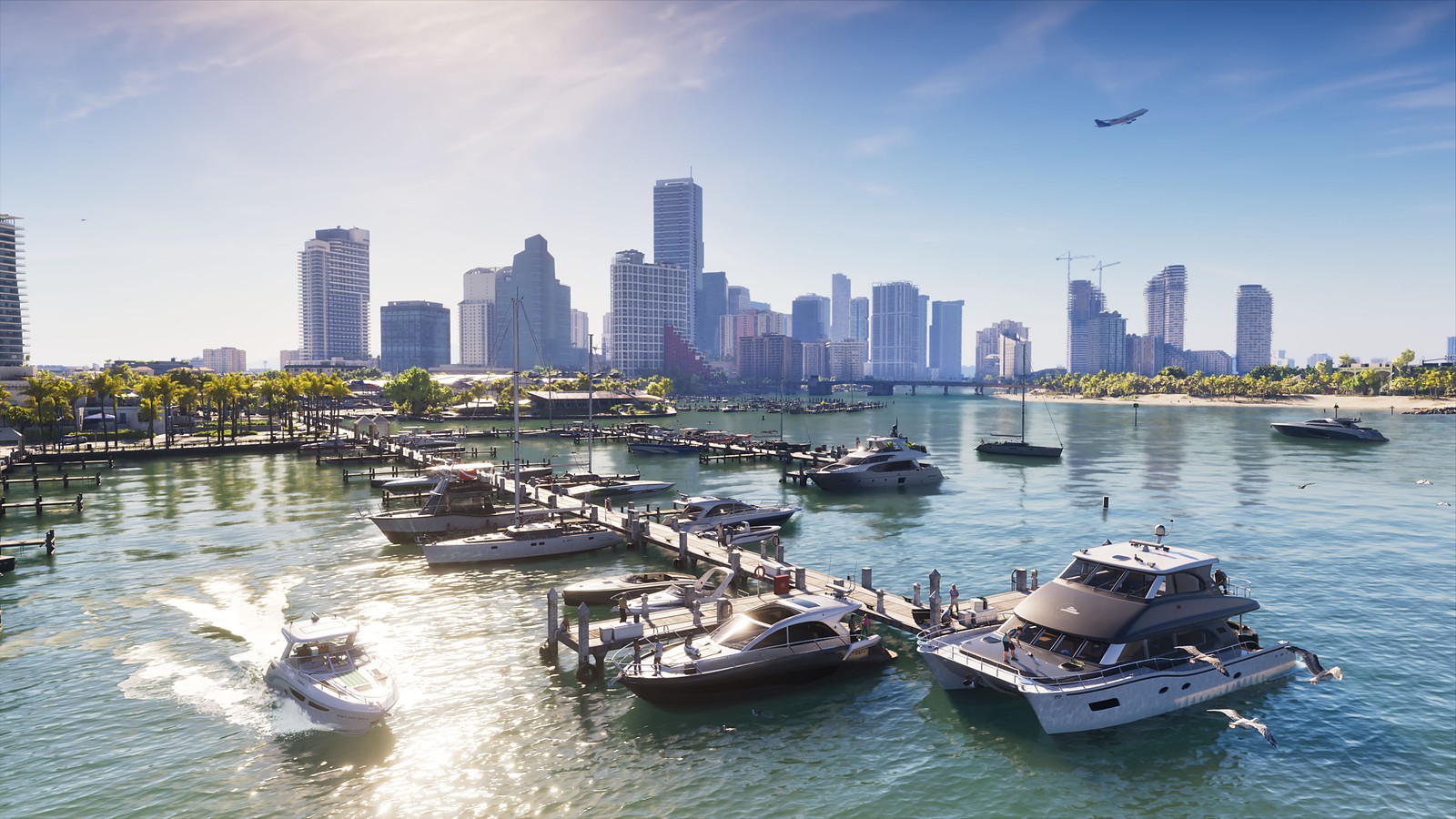
And it holds up. Luke Reilly, who reviewed the game for IGN on a standard PS5, says it ran “smoothly, reliably, and free of bugs.” He calls the graphics at night “supernaturally good.”
What the PS5 Pro adds
The best part? PS5 Pro owners get two exclusive upgrades. PlayStation Spectral Super Resolution (PSSR), Sony’s machine learning upscaler, sharpens the image, and ray traced shadows bring more realistic shading.
The frame rate stays at 30, so buy a Pro for clarity, not smoother motion. Digital Foundry had already measured the base PS5 image at roughly 1440p, so the Pro starts from a solid foundation.
On a Pro, open Screen and Video in the console settings and switch PSSR image quality on, advises Kephren, a French Canadian YouTube creator who plays on one.

Calibrate high dynamic range for Vice City at night
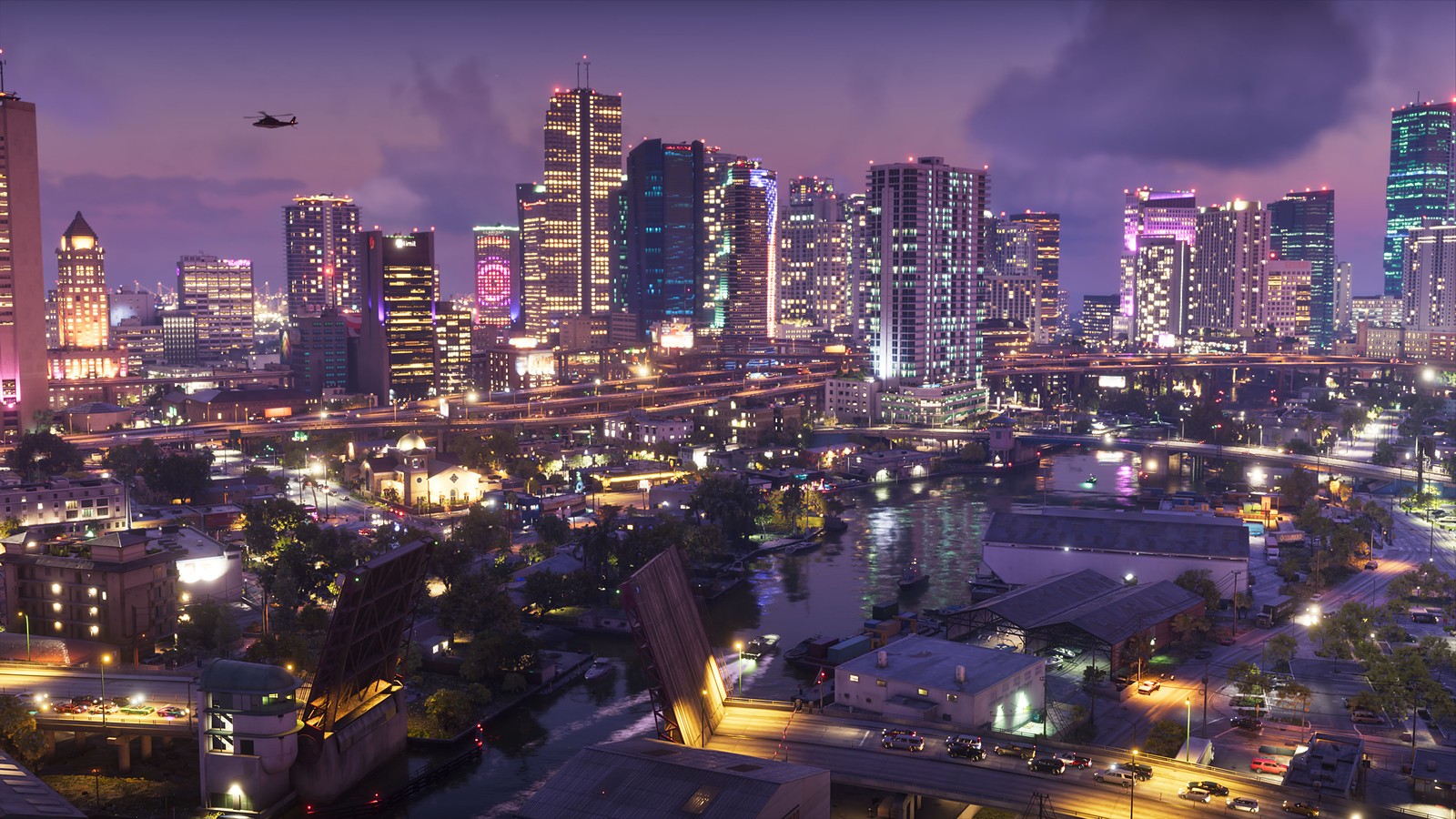
High dynamic range (HDR) is where GTA VI earns its keep. Reilly notes that Rockstar “allows the world to be realistically dark,” so headlights and skylines can truly glow.
Start with the PS5’s own HDR adjustment. On his LG C2 organic light-emitting diode (OLED) TV, Kephren raises the first two screens until the symbol is barely visible, then sets the third to its darkest.
Then repeat inside the game. Raise peak brightness until a small Rockstar logo just appears. Set black level to zero on an OLED. On most other screens, Kephren suggests about 50 so shadows keep their detail.
While you’re there, set variable refresh rate and low latency mode to automatic on both the console and the TV.
Smooth out the motion
But there’s a catch. At 30 frames per second, fast camera pans can look choppy.
Kephren usually switches motion blur off on his gaming computer. In GTA VI, he raises it from the default 3 to 6 instead. Adjust it one step at a time.
Sound counts, too. If you play through TV speakers or headphones, set up the PS5’s 3D audio profile. Skip it if your surround system or soundbar already processes 3D sound.
Then slow down
GTA VI rewards an unhurried evening. Reilly fell into a “lifelike cadence”: brew a coffee, take a story mission, then try a new fishing spot or shoot some pool.
GTA VI is not a virtual reality game, but a headset can still put its Twitch streams on a giant private screen.
GTA VI launched on Nov. 19, 2026. Rockstar has announced no extras for Xbox Series X, and Xbox Cloud Gaming streams the game at Series S settings. Rockstar had not announced a computer version at launch.
Watch: GTA VI settings and the IGN review
Digital Foundry breaks down the 30 frames per second target and the PS5 Pro upgrades.

Reilly reviews GTA VI for IGN after more than 120 hours with it.

Kephren walks through his console and in-game settings on a PS5 Pro.