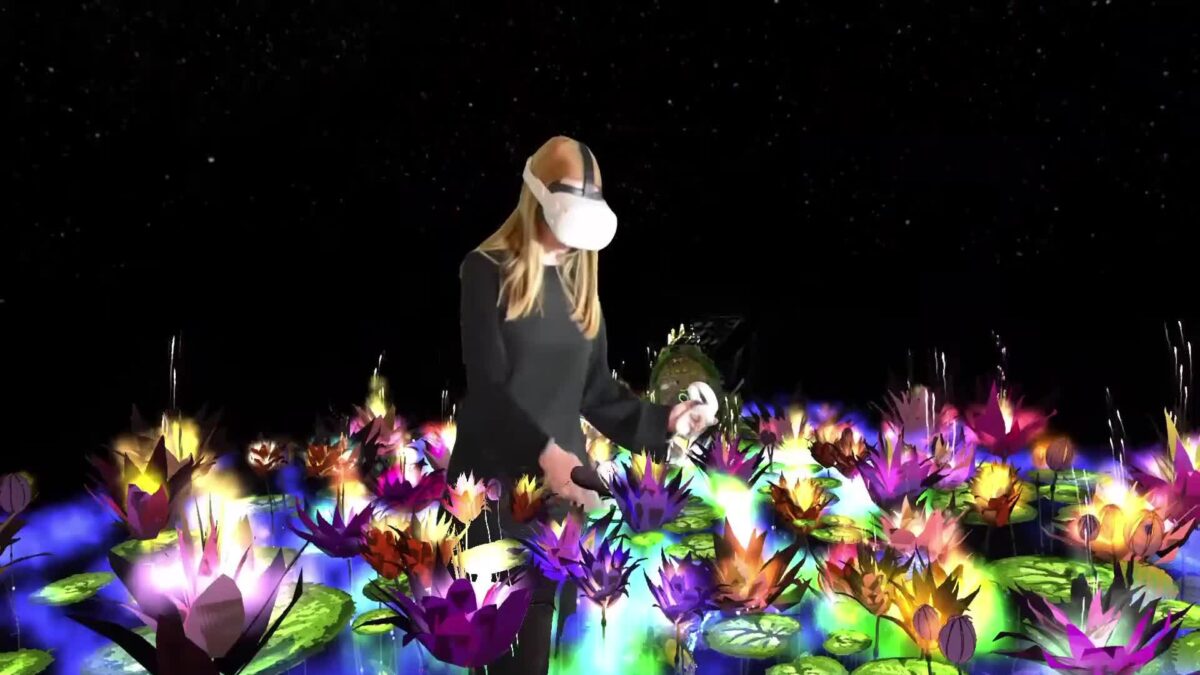
Most painting apps keep you on a flat screen. Open Brush does the opposite, and it might be the freest way to paint in virtual reality (VR) from your own living room.
Here’s the thing: your room becomes the canvas, and the brush strokes float in the air around you.
What Open Brush feels like
Open Brush is a community-led evolution of Tilt Brush, the room-scale painting app Google later released as open source. The project site says Open Brush lets you paint in 3D space with virtual reality, with brushes that include stars, light and even fire.
The same page puts it simply: “Your room is your canvas”. And it states that Open Brush is “open and free”.
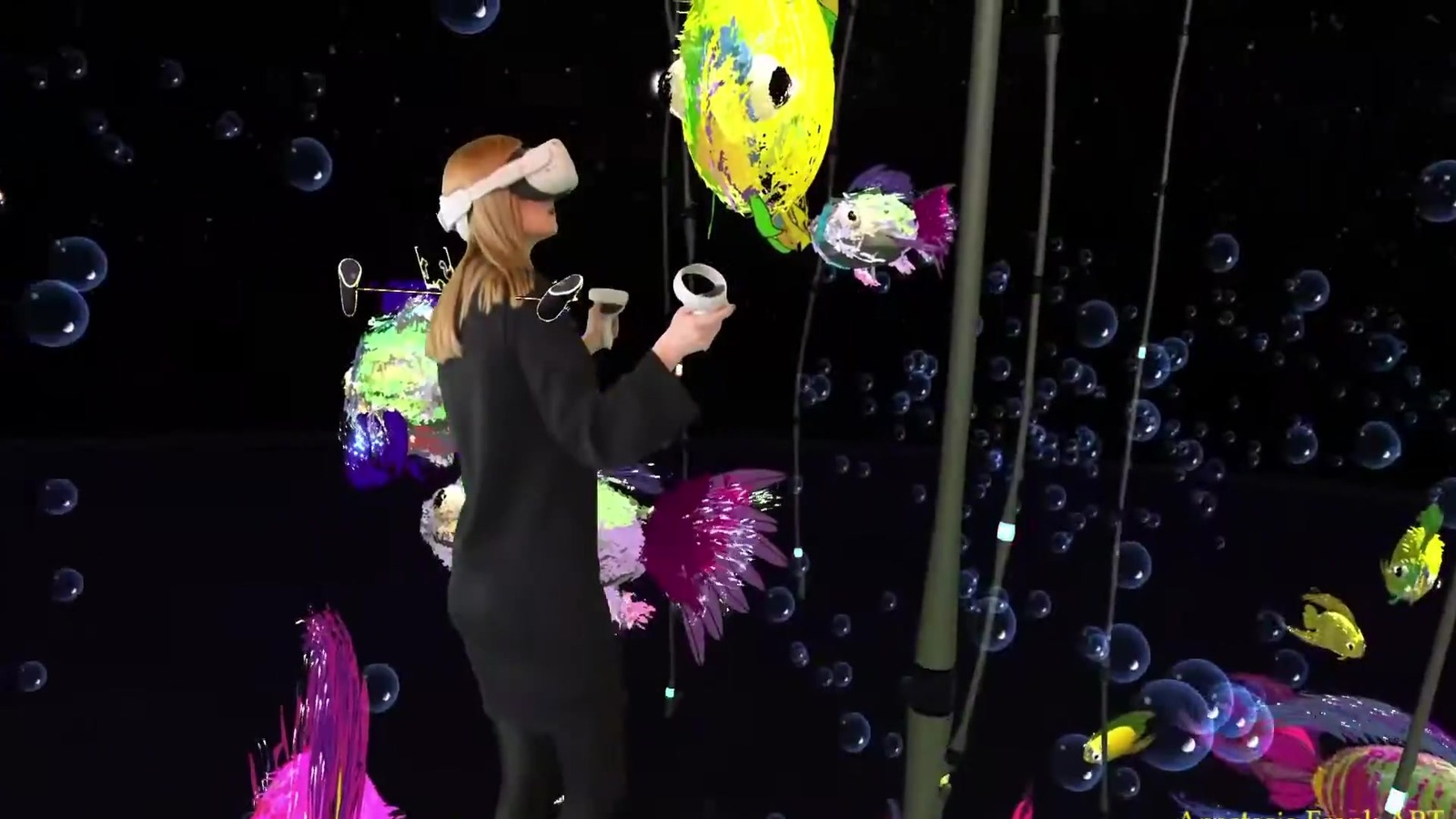
Anastasia Frank shows what that looks like in practice. In her first virtual reality painting, a water lily pond wraps around her body, complete with glowing flowers, fish and a crowned frog.
Cody Broadway, reviewing Meta Quest art apps, calls Open Brush “my favorite in fact”. He notes that “the kids can make an entire world by themselves if they want”.
The tools that make Open Brush click
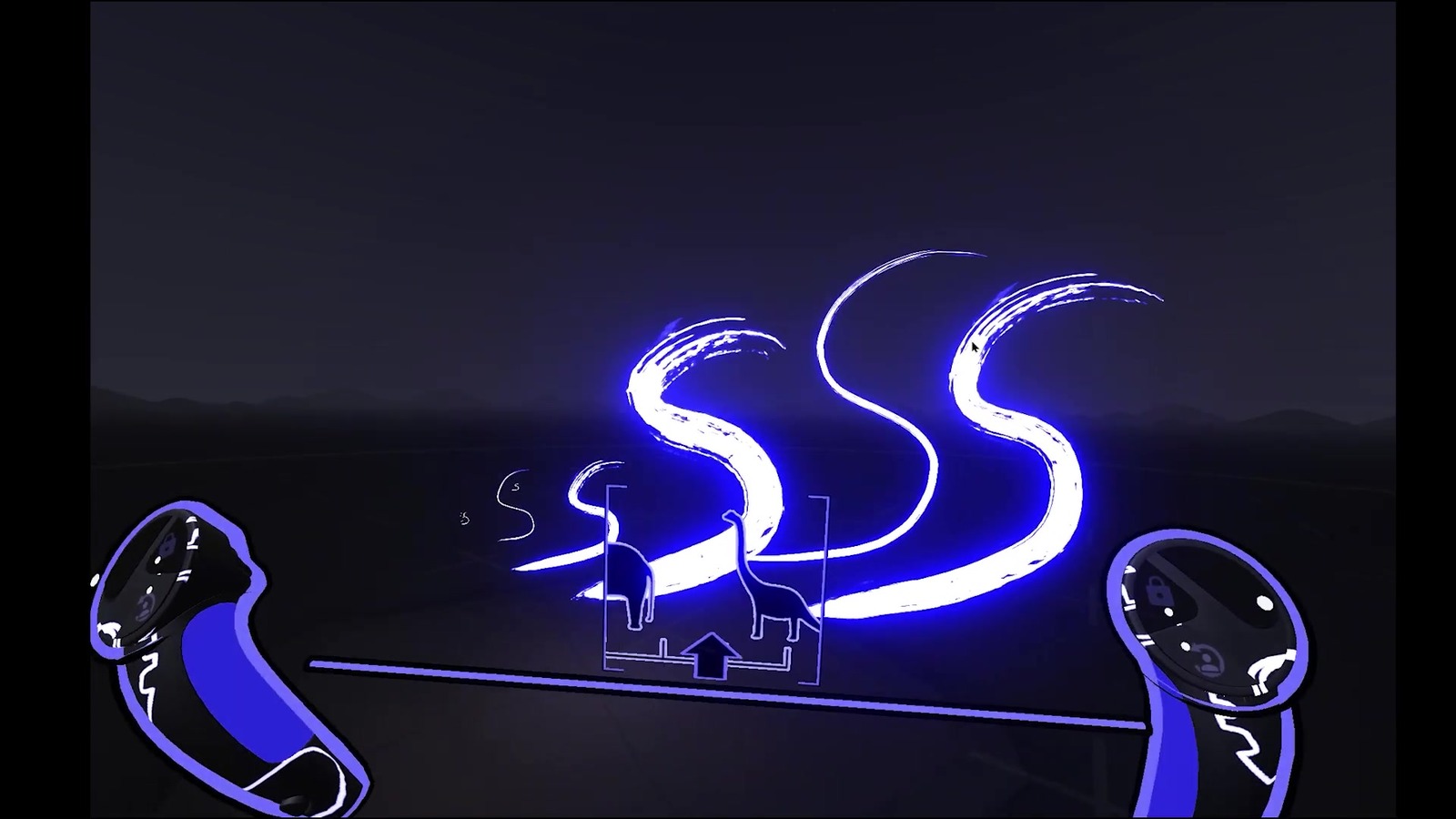
Kevin W. Tharp teaches the beginner toolkit in his Open Brush lesson. He explains that “open brush was originally software called tilt brush”, and that “when Google abandoned the project they made it open source”.
Your controllers act like a palette and a brush. Thumb controls widen or narrow each stroke. Pressing both inner grip buttons changes your view scale, from a tiny squirrel scale for detail work up through dog, human, elephant and dinosaur scales.
Cody Broadway describes the same zoom move for Quest users: “holding down both grips and moving them closer together or further apart”.
A mirror tool for balanced Open Brush scenes
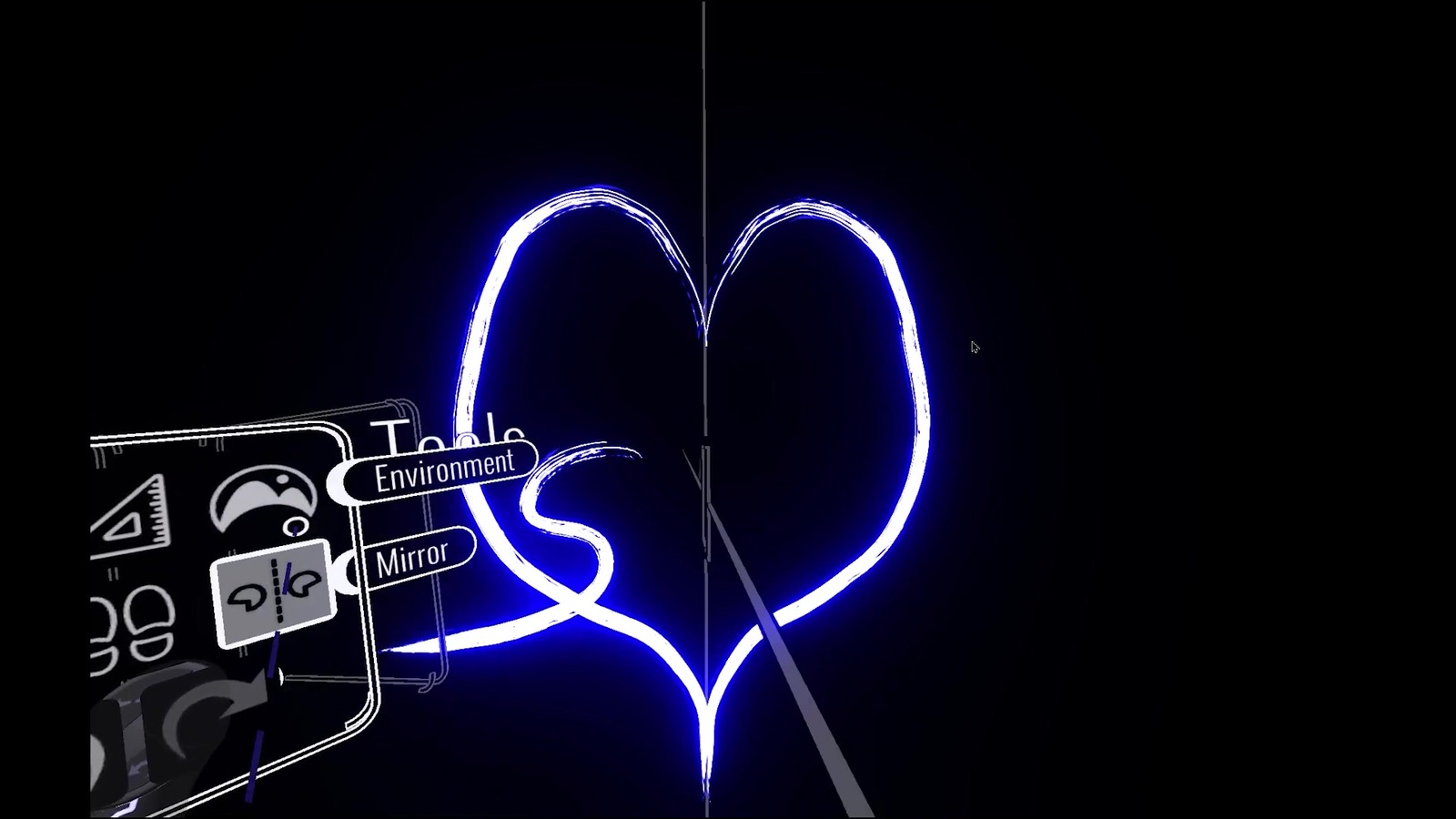
Symmetry is built in. Kevin shows a mirror tool and says “there’s a mirror tool”. With it on, he found that “I only had to draw one line but it drew a mirror image of that”.
Undo and redo sit on the palette and on the controllers. You can teleport across a large scene, take snapshots into your Open Brush folder, and keep painting without a physical mess to clean up.
Want another headset habit that keeps you moving? Try the endless Zen mode in Racket: Nx.
Watch: Open Brush in action
Anastasia Frank paints her water lily pond in Open Brush and Tilt Brush.

Cody Broadway compares free and paid Quest art apps and explains why Open Brush is his favorite.

Kevin W. Tharp walks through the brush, scale levels, palette and mirror tool for first-time painters.